A BM2 battery monitor sits on the terminals of your leisure battery and reports voltage and state of charge over Bluetooth. That only works within a few metres. Once you walk away from the motorhome, or the van goes into winter storage, you no longer see anything.
This article shows how to read the BM2 over the internet instead: in an app on your phone, from anywhere, with an alert when the voltage drops. No subscription.
The essentials
- How it works: a CampMatic box in the vehicle reads the BM2 over Bluetooth and sends the readings over WiFi or 4G to the internet.
- Where you see them: in the CampMatic app for iPhone and Android, in the web app and through the Telegram bot.
- Alerts: by push notification, Telegram or email as soon as a threshold is reached.
- Cost: CampMatic Guard as a one-off purchase. No subscription; app and server are free.
Why Bluetooth alone is not enough
Bluetooth only reaches a few metres. To see your battery from home, from work or from the beach, something in the vehicle has to read the sensor and pass the readings on to the internet. That is the job of the CampMatic box: it stays in the vehicle, reads the BM2 and sends voltage and state of charge to our server. The app and Telegram pick them up from there.
The box gets online in one of two ways:
- WiFi variant: it joins an existing network, such as a mobile router, your phone hotspot, campsite WiFi or Starlink. If you want to check the battery in winter storage as well, the router has to stay switched on.
- 4G variant: it has its own modem and only needs a SIM card (not included). An IoT or data SIM from about €2 a month is enough.
Help with choosing: WiFi or 4G?
What the app shows
Each BM2 gets its own tile on the dashboard with the current voltage and state of charge, plus a history. You give each monitor its own name in the app, for example “Leisure battery” or “Starter battery”. New readings arrive every few minutes.
The state of charge is derived from the voltage and moves with the load: it drops while something draws power and recovers after a few minutes of rest. The voltage is the more reliable figure.
You choose how you look:
- App for iPhone and Android from the App Store and Google Play, with push notifications and unlocking by fingerprint or face (CampMatic app).
- Web app at campmatic.de/app, in the browser on phone, tablet or laptop, with nothing to install.
- Telegram bot:
/statusreturns the current values, including the onboard battery. Several Telegram users can follow one device, which helps if you share the van.
Alerts when the voltage drops
In the “Notifications” card on the dashboard, every paired BM2 gets its own row for the onboard voltage. You switch email and Telegram on separately and get a warning as soon as a threshold is reached; with the iPhone or Android app it also arrives as a push notification. “Test Email” and “Test Telegram” check delivery right away. Another useful row: a message when the box itself goes offline.
Setting it up
- Prepare the BM2: set it up once with the manufacturer's BM2 app. This activates the sensor over Bluetooth; afterwards CampMatic recognises it permanently.
- Bring the box online: connect it to WiFi or insert the SIM and register it in your account. The iPhone and Android app sets up the WiFi box's network over Bluetooth (guide).
- Pair the BM2: in the CampMatic app open Settings → Devices → Add device, choose the BM2 battery monitor and tap it in the list.
- Done: the BM2 appears as a tile on the dashboard. Switch on the alerts you want under “Notifications”.
All steps with pictures: Help, External Devices.
Several batteries, other sensors
A box reads up to four BM2, for example for leisure and starter battery. In total it takes up to eight Bluetooth sensors, so a RuuviTag for the interior climate or a gas sensor fits in as well (FAQ). The BM2 works with 12 V batteries: lead-acid, AGM, gel and LiFePO4.
What it costs
- CampMatic Guard as a one-off purchase: €89 (WiFi) or €129 (4G). Guard only monitors, controls no heater and is powered via USB, so it suits any camper.
- No subscription: the app, access via our server, the Telegram bot and email notifications are free.
- 4G only: your own SIM card, from about €2 a month.
- Already have CampMatic for Truma? The box for Truma CP Plus and the box for Truma iNet X read the BM2 too, so you do not need a second box.
- The BM2 itself is not included.
The box hardly touches your battery: under 1 watt for WiFi, under 1.5 watts for 4G, roughly 2 to 3 amp-hours per 24 hours (FAQ).
Frequently asked questions
Can I see the readings in Home Assistant too?
Yes, via MQTT: Adding a BM2 battery monitor to Home Assistant.
BM2 or Victron SmartShunt?
The BM2 measures voltage. A Victron SmartShunt or BMV-712 Smart also shows current, consumed amp-hours and time remaining. CampMatic reads those as well.
And the interior climate?
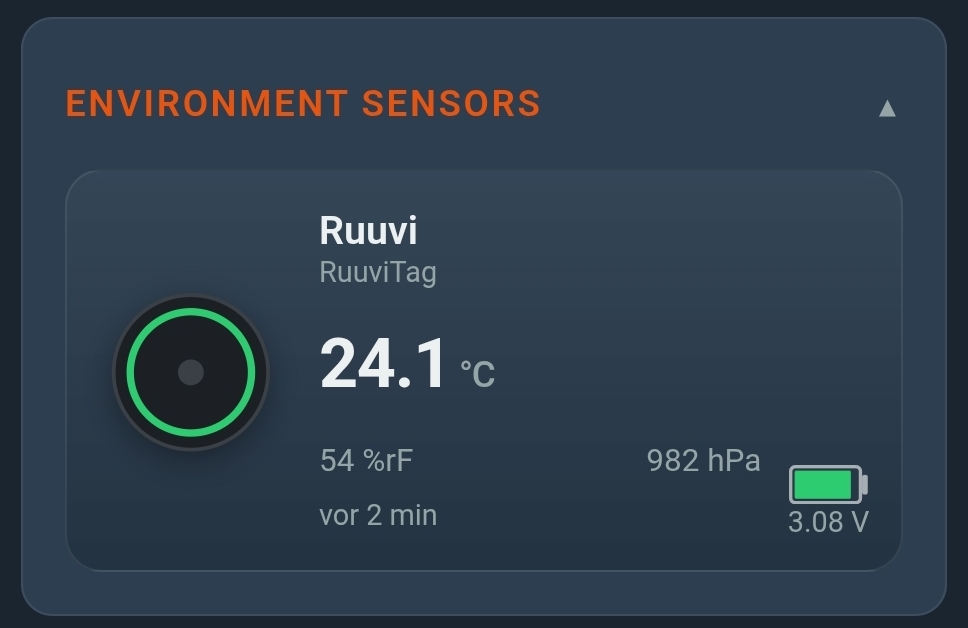
A RuuviTag gets into the app the same way: Ruuvi sensors in CampMatic.
→ CampMatic Guard · WiFi — €89
Further reading: