Your Truma Combi reports a fault, and the first thought is: reset it. On the Combi, though, three different things go by that name, and only one of them clears a fault. Here is what helps, and when, according to Truma.
Quick answer
- Clearing a fault = acknowledging it: remove the cause, then press the rotary/push knob on the CP Plus.
- RESET → PR SET in the service menu does not clear a fault. It is a device search. With a gas fault it locks the heater for 15 minutes; with W 255 H the CP Plus no longer finds the heater afterwards.
- A reset button is only described by Truma for the 230 V overheating protection on the Combi E and Combi D E. It sits under the connection cover.
- For the Combi 4 and 6 without E, Truma describes no reset button.
Acknowledging a fault on the CP Plus
This is how the Truma CP plus operating instructions describe it:
- Remove the cause. Which code means what is in the list of Truma error codes.
- Press the rotary/push knob. If the display is in standby, the first press only switches on the backlight. The second press acknowledges the fault.
- Wait. The heater restarts. Because of the after-run, this can take a few minutes.
A warning (W) is selected via the warning symbol and confirmed with the knob. Once the cause has gone, the warning symbol also goes out by itself.
Three things that belong to this, according to Truma:
- If the code is flashing, a lockout is running. The fault can only be reset after up to 15 minutes. During that time, do not switch the panel off and do not cut the power.
- Do not acknowledge too often. After more than four resets within 15 minutes, the Combi gas locks with E 607 H. On the Combi D, according to the CP plus manual, the fifth acknowledgement is followed by an operating lock.
- Switching off and on is no substitute. With a gas fault, switching the CP Plus off does not clear the fault; it locks the heater for 15 minutes.
What RESET → PR SET really does
The CP Plus service menu (spanner symbol) has a RESET item. According to the operating instructions, it returns the CP Plus to its factory settings. All settings are deleted; newly connected appliances are detected and stored. The steps: open the service menu, select RESET and press, confirm the “PR SET” display with another press. “INIT ..” then appears and the CP Plus searches for the connected appliances.
A Truma service adviser puts it plainly in the Truma service blog: a reset is never used to reset a fault code. He names two consequences explicitly:
- With a gas fault (E 516 H, E 517 H and similar), the reset locks the heater’s control electronics for 15 minutes.
- With W 255 H, the CP Plus is returned to its delivery state without a connected heater. It cannot find the heater because the connection is missing at that moment. Afterwards only the time and the setup symbol remain.
When PR SET is the right step
According to the Truma operating instructions, the device search is needed
- on first use,
- when an appliance is newly connected to the bus or replaced, such as the Combi, an air conditioner or an iNet Box,
- after a repair or a retrofit.
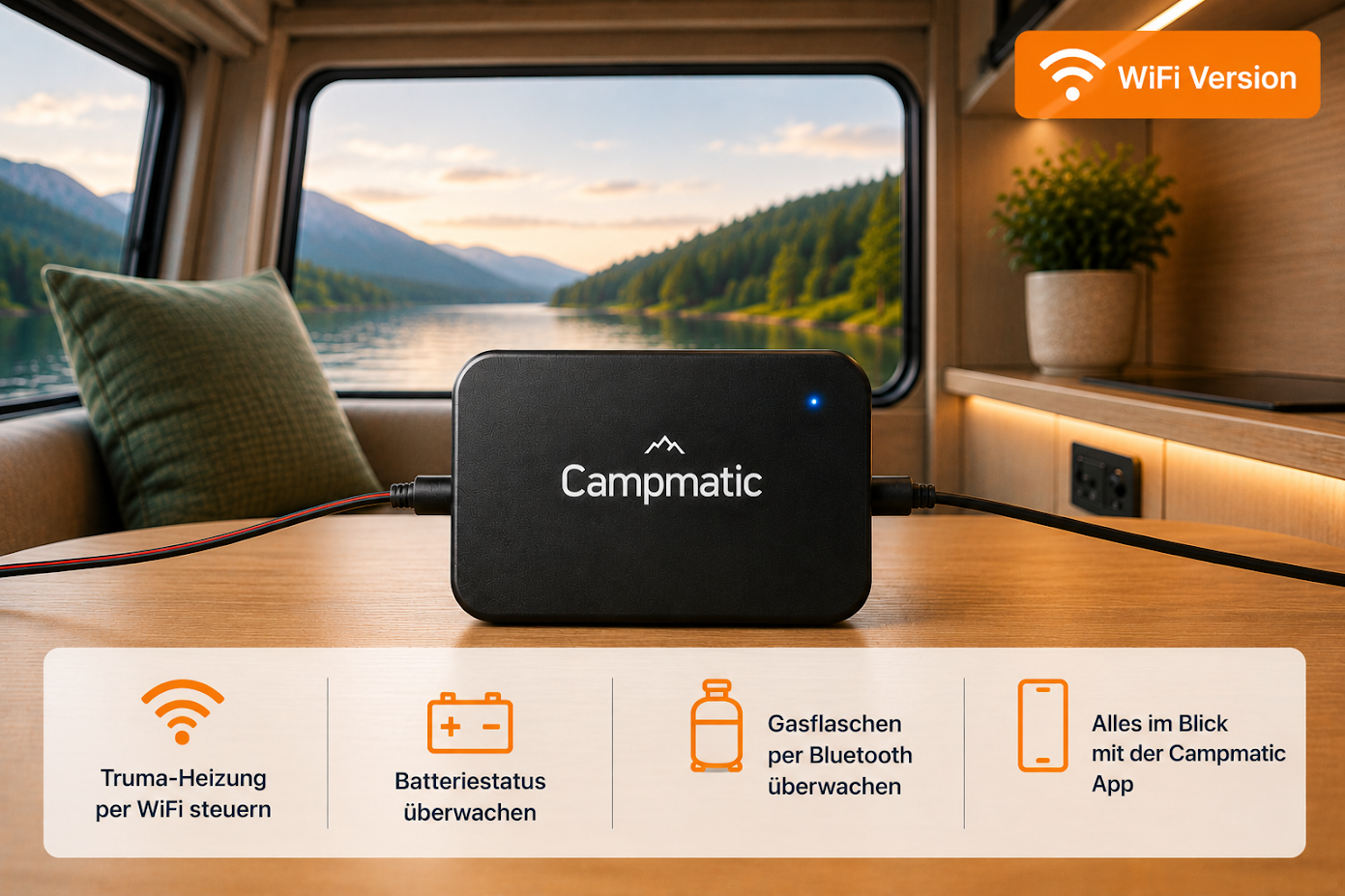
That is exactly what PR SET is used for when installing CampMatic for Truma CP Plus: after connecting the box, you run PR SET once so the heater detects it. That is a device search in Truma’s sense, not a fault reset. The steps with pictures are in the help section.
Only the time and the spanner left after a reset?
Then the CP Plus found no heater during the search. According to Truma’s service team in the service blog: first check the heater’s 12 V and the control panel cable, then initialise again. If the CP Plus hangs on “INIT” permanently, the service team advises unplugging the cable at the back of the CP Plus and trying the reset again. If it still does not complete without the cable, the control panel is faulty.
The reset button on the Combi: only for the 230 V overheating protection
The Combi versions with E also heat electrically. For this 230 V mode they have a mechanical overheating protection with a reset button. It trips, for example, if the 12 V supply is interrupted during operation or during the after-run. In the CP plus manual, resetting it belongs to W 45 H and E 632 H (Combi E) and to W 164 H (Combi D E).
| Appliance | Where | How, according to Truma |
|---|---|---|
| Combi 4 E, 6 E (gas) | Under the connection cover | Let the heater cool down, remove the connection cover, press the reset button, refit the cover (it protects the electronics from dripping water) |
| Combi D 6 E (2020 edition) | Red button under the connection cover | Let the heater cool down, remove the cover, press the red button |
| Combi D 4 E, D 6 E (new generation) | Red reset button on the overheating switch at the water container | Let the heater cool down, disconnect the appliance from the mains on all poles, remove the connection cover, press the red button with a pen or similar, refit the cover |
| Combi 4, Combi 6 (gas, without E) | – | No reset button described in the operating instructions |
Before any work on the appliance, Truma says: switch the appliance off, close the gas supply, disconnect the appliance from the power supply and the 230 V mains on all poles. The 230 V fuse may only be replaced by a qualified person.
For the Combi 4 and 6 without E, Truma names no reset button for users. Forums mention a button on the electronics. It does not appear in Truma’s manuals, so we do not recommend it. Nor does a button lift the Combi D start lock after many failed starts: according to the Combi D manual, customer service has to lift it.
“Hard reset”: disconnect the 12 V?
A Truma service employee once wrote in the service blog that the only “hard reset” is to disconnect the 12 V supply for a few seconds, adding that it is usually not necessary. Truma’s manuals give good reasons not to:
- With a gas fault, the interruption triggers the 15-minute lock instead of clearing the fault.
- On the Combi E and Combi D E, a 12 V interruption during operation or the after-run can trip the 230 V overheating protection.
- Combi D: according to the operating instructions, do not disconnect the power supply while the appliance is running. Interrupted switch-off processes can damage the appliance.
- What the CP Plus still knows afterwards depends on the document: according to the CP plus manual, the presets are lost and only the stored appliances remain. According to the Truma FAQ on the CP plus iNet ready, the settings are kept and you only need to set the time and timer again.
Analogue CP classic and iNet X Panel
- CP classic: according to Truma, you reset a fault by switching the heater off once no LED is flashing on the panel any more, and switching it on again. If no LED is on although there is power: switch off, wait 5 seconds, switch on. What the LEDs mean is explained in Truma Combi flashing red, yellow or green.
- iNet X Panel: according to Truma, follow the instructions on the display and acknowledge the fault on the control panel. The current manual names no key combination for a reset.
And from the app?
With CampMatic you can see in the app, from wherever you are, that the heater is in fault. With a CP Plus the app shows the status “Error”. With CampMatic for Truma iNet X it shows a card with the code, the plain text and “What to do”. In both cases you can only acknowledge the fault on the control panel, not from the app. CampMatic for Truma CP Plus requires a CP Plus with firmware C4 or F4, or P5 on the Vario Heat. You can see the version under Settings → INIT.
If you smell gas, always: close the gas bottle, ventilate, avoid ignition sources, and only use the gas system again after a qualified person has checked it.
→ CampMatic for Truma CP Plus · WiFi — €149
→ CampMatic for Truma CP Plus · 4G — €209
Further reading: