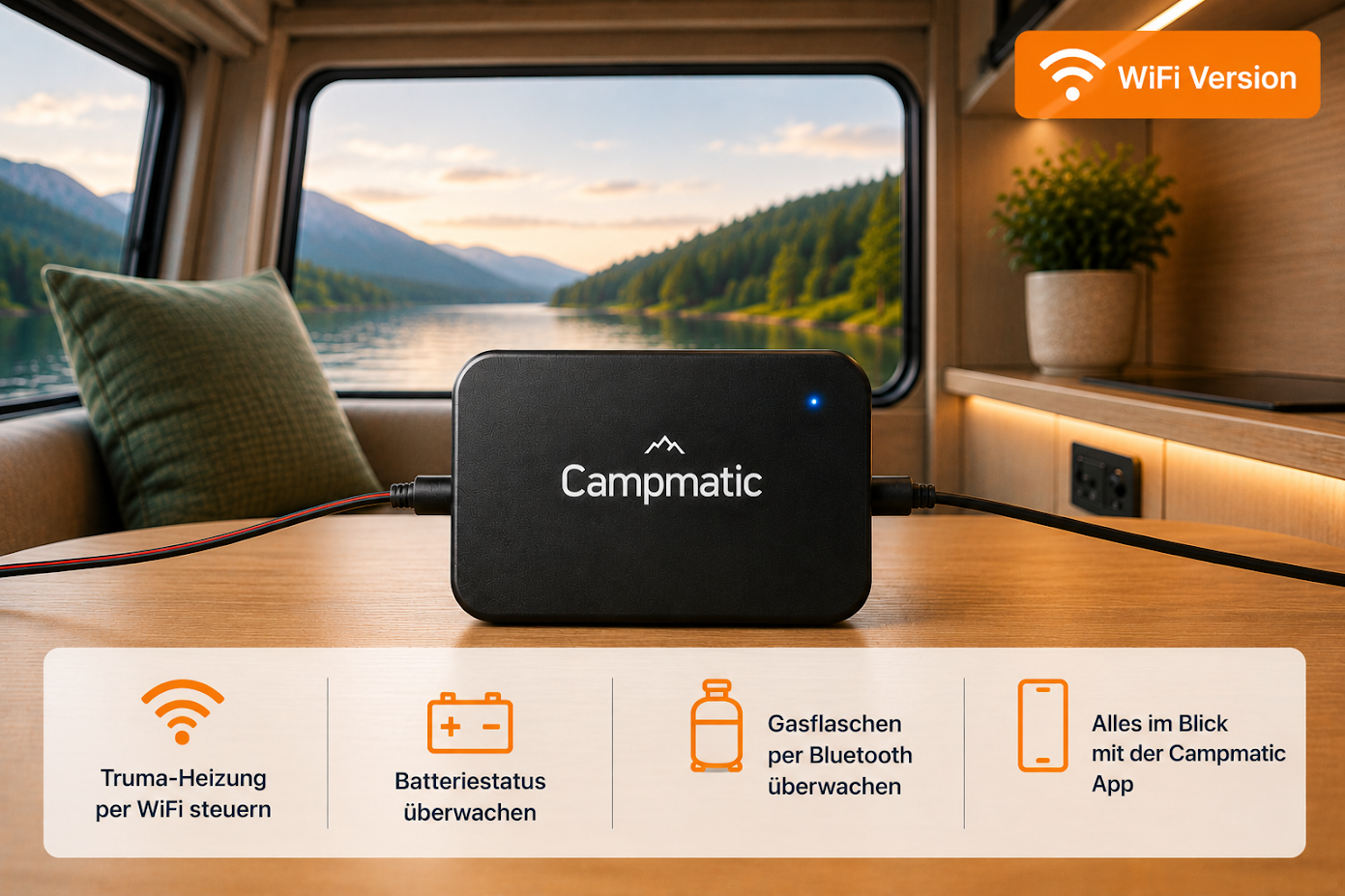
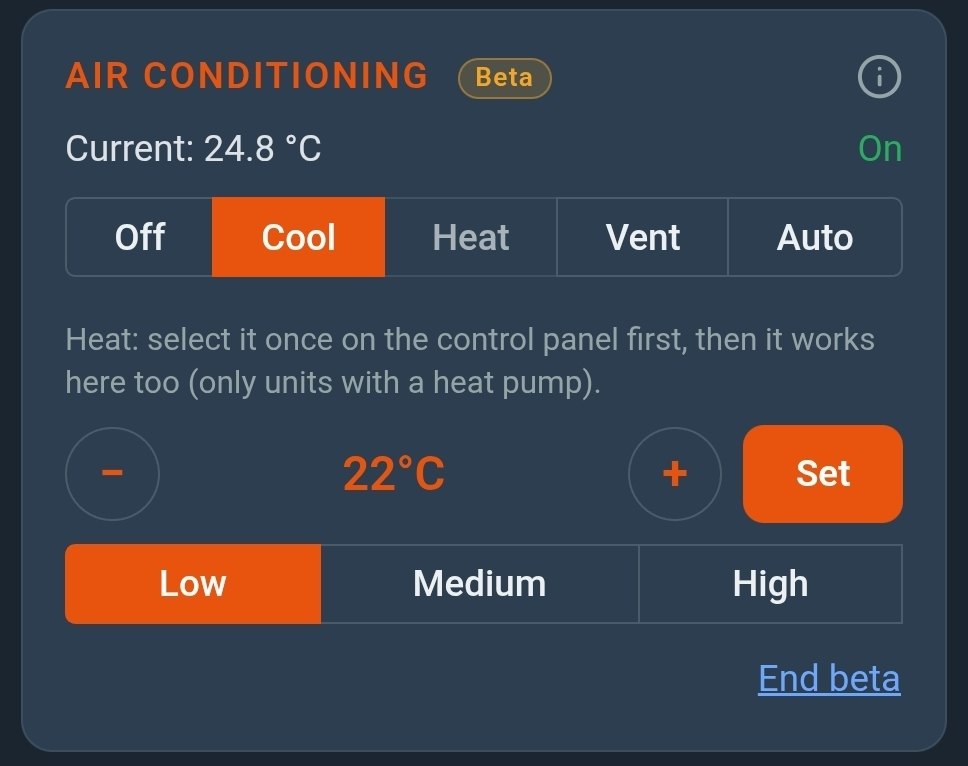
No question has reached us more often in recent months: "Can CampMatic control my Truma air conditioner as well?" From today the answer is: yes — as a beta. If a Truma Aventa or Saphir compact is connected to your CP Plus control panel, the CampMatic app shows a card of its own for it.
Which air conditioners are supported
Supported are Truma air conditioners that are connected to the Truma CP Plus control panel:
- Truma Aventa compact plus (including the 2nd generation)
- Truma Aventa compact
- Truma Aventa comfort (from serial number 24084022 — older units cannot be run from the CP Plus)
- Truma Aventa eco
- Truma Saphir compact
What matters is the connection to the CP Plus. CampMatic sits on it like a Truma iNet Box and sees the air conditioner through it. So you need no extra device — the same box that controls your heater takes care of the air conditioner as well.
Air conditioner on a Truma iNet X Panel? There is a dedicated box for that: CampMatic for Truma iNet X fully controls an air conditioner on the panel — mode cool, auto or vent, target temperature and cooling level — without a beta firmware on request. Everything else about the iNet X box is in the launch article; this article covers the beta on the CP Plus.
Connection: what changes with an air conditioner
The air conditioner has its own RJ12 cable and sits on the same bus as CP Plus and heater. For connecting CampMatic this means:
- At the CP Plus via the splitter set: works regardless of what else is on the bus.
- Directly at the heater: if the free second socket there is already taken by the air conditioner cable, use the splitter set at the CP Plus instead.
- In place of an iNet Box with three cables (two in TIN 1, the air conditioner in TIN 2): then you need four sockets. The Y-adapter has three — the RJ12 splitter cable plugs into one of them and turns them into four. You need the splitter cable only in this case, i.e. only with an air conditioner at the iNet Box. Afterwards repeat the commissioning on the CP Plus so it finds the air conditioner.
The installation guide shows this step by step with photos under Route 3, case C. The configurator on the home page asks about the air conditioner and puts together the right accessories.
What you can control from the app
- On/off
- Mode: cool, vent or auto
- Target temperature from 16 to 31 °C
- Fan level, for example low, medium or high
- Heat — on units with a heat pump
The card also shows the current interior temperature and whether the unit is running. During the beta you control the air conditioner in the CampMatic app — on iPhone, on Android or in the browser.
One thing about heating: select the heat mode once on the control panel. After that it works from the app too. This only applies to units with a heat pump; without one, the app does not offer heat.
Climate automatic on the CP Plus: while it is active, the control panel runs the unit by itself. Switch it off there if you want to control the air conditioner from the app — the app will point this out to you.
Why beta — and what it means for you
We could not test the control with every air conditioner in every vehicle. That is why it is clearly marked as a beta and switched off by default:
- You decide: only when you tap "Enable beta" on the card and agree does the app send commands to the air conditioner. Until then nothing changes.
- Your heater and water heater stay protected: if anything unexpected happens, the beta switches itself off.
- Recording for troubleshooting: while the beta is on, CampMatic records the commands and the replies of the air conditioner so we can find and fix errors.
- End it at any time: one tap on "End beta" is enough.
If a command is rejected or the unit behaves differently than expected, please let us know. That is exactly what the beta is for.
How to switch on the air conditioning control
- Make sure your box runs firmware 1.37.11 — we install it for you on request.
- Open the CampMatic app.
- If a Truma air conditioner is connected to your CP Plus, the dashboard shows the "Air conditioning" card.
- Tap "Enable beta" and confirm the notice.
- After one to two minutes the device is ready. Then set the mode, temperature and fan.
No card even though an air conditioner is fitted? Get in touch. We can see remotely what the control panel reports and find out what is going on.
Which CampMatic do I need?
Air conditioning control is only available with CampMatic for Truma, because only these boxes are connected to the control panel: on a CP Plus the box for Truma CP Plus (as a beta, as described above), on an iNet X Panel the box for Truma iNet X. The CampMatic Guard devices monitor gas, leisure battery and indoor climate via Bluetooth, but they are not connected to the control panel and therefore control neither the heater nor the air conditioner.
- CampMatic for Truma CP Plus · WiFi — €149, connects via phone hotspot or campsite Wi-Fi
- CampMatic for Truma CP Plus · 4G — €209, with its own SIM card, reachable even without Wi-Fi
- CampMatic for Truma iNet X · WiFi / 4G — €149 / €189, for air conditioners on an iNet X Panel
Existing owners of the CampMatic box for Truma CP Plus need no new hardware. Air conditioning control does need firmware 1.37.11 on the box, though — during the beta it is available on request: drop us a line and we will install it for you. The usual CP Plus requirements for the heater apply; all details are in the compatibility section and on our integrations page.
Conclusion
If you have a Truma air conditioner on the CP Plus, you can now run it together with the heater in one app: pre-cool the van before you get there, or switch the unit off when it was still running as you left. Because it is a beta, you decide whether and when to switch it on — and we welcome every piece of feedback.
→ Order CampMatic for Truma CP Plus · WiFi — €149.00
→ Order CampMatic for Truma CP Plus · 4G — €209.00
→ Order CampMatic for Truma iNet X · WiFi — for vehicles with an iNet X Panel, €149.00
Questions about compatibility or set-up? Check the help pages or write to us via the contact form.